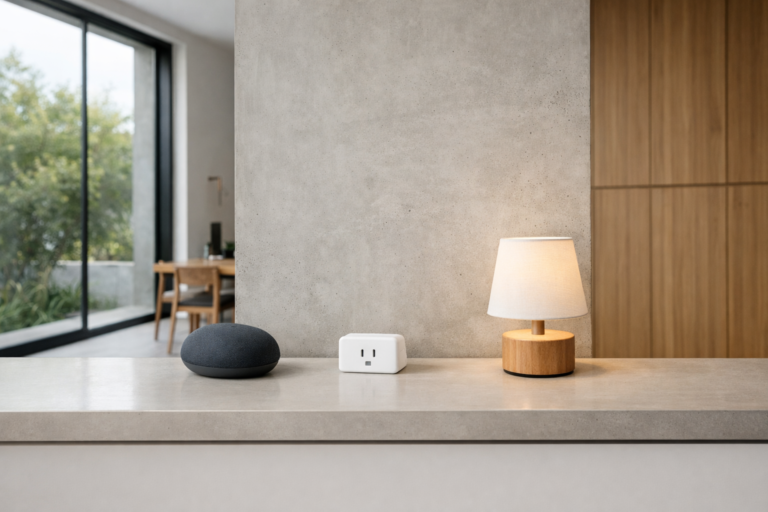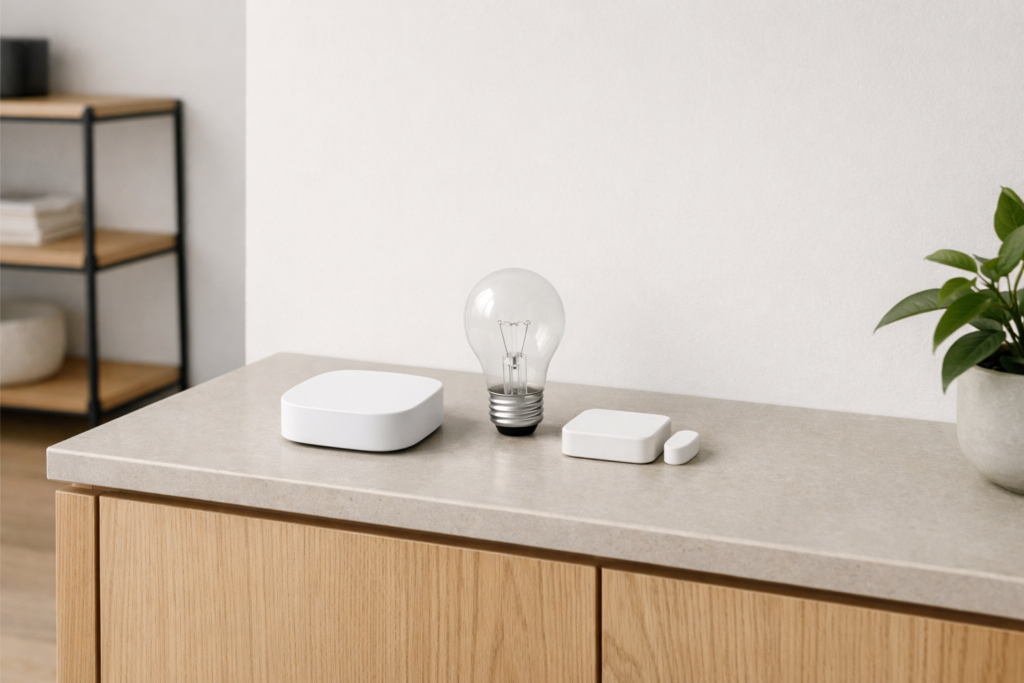
A matter smart home is a smart home built around Matter, a common standard that helps compatible devices from different brands work together more easily. In simple terms, Matter aims to make setup simpler, improve cross-brand compatibility, and reduce the usual frustration of wondering whether one device will talk to another.
If you are new to smart home tech, the key thing to know is this: Matter is not a single product, app, or brand. It is a shared language that supported devices can use. That means a smart bulb, plug, lock, or sensor marked as Matter-compatible should be easier to connect and control across major smart home platforms, as long as the device type is supported.
What Matter is and why it matters
Before Matter, many smart home devices worked best only inside one brand’s system. Some used one wireless method, some used another, and setup often meant downloading multiple apps, creating several accounts, and hoping everything linked correctly.
Matter was created to reduce that friction. It is an interoperability standard for smart home devices. Interoperability simply means different products can work together more reliably, even if they come from different manufacturers.
For beginners, that brings a few practical benefits:
- Simpler buying decisions: You can focus more on the device you want and less on whether it belongs to one specific ecosystem.
- Easier setup: Matter devices are designed to be added in a more consistent way, usually by scanning a setup code.
- Better flexibility: You may be able to control the same device from more than one platform.
- More local control: Many Matter functions work over your local network rather than relying entirely on distant cloud servers.
That said, Matter does not magically remove every limitation. Some advanced features may still depend on a brand’s own app, and not every device category has the same level of support everywhere.
How a matter smart home works
Matter sits above the connection layer. That means it is the shared standard for communication, while the actual connection may happen in different ways depending on the device.
Common ways Matter devices connect
- Wi-Fi: Often used by devices that need more bandwidth or mains power, such as smart plugs, lights, or appliances.
- Thread: A low-power wireless mesh network designed for smart home devices like sensors, bulbs, and locks.
- Ethernet: Some hubs or bridges may use a wired network connection.
- Bluetooth Low Energy: Often used during setup, so your phone can help onboard the device.
One point that confuses many beginners is that Matter and Thread are not the same thing. Matter is the standard or language. Thread is one of the networking methods some Matter devices use.
What is Thread, in plain English?
Thread is a low-power mesh network. In a mesh, nearby devices can help pass messages along. This can improve coverage in a home because devices do not always need a direct path back to your router.
Battery devices often benefit from Thread because it is designed to be efficient. If you have a larger home, a mesh network can also help smart devices reach places where Wi-Fi is weaker.
What is a Thread border router?
If you use Thread-based Matter devices, you usually need a Thread border router. This is a device that links the Thread network to your home network so the rest of your smart home system can communicate with it.
Some smart speakers, displays, hubs, routers, or other home devices can act as Thread border routers. Whether a product does this depends on the specific model and software version, so always check the device specifications rather than assuming.
What devices can use Matter?
Matter support has expanded over time, but support can vary by device category and by platform. In general, you are most likely to see Matter support on common smart home products such as:
- Light bulbs and light fittings
- Smart plugs and switches
- Thermostats and some climate controls
- Door locks
- Sensors, such as motion or contact sensors
- Window coverings like blinds or shades
- Some media and home entertainment devices
- Some major appliances and robotic devices, depending on current support
However, two important checks still matter:
- Does the device support Matter? Look for clear Matter compatibility in the product details.
- Does your chosen platform support that exact device type? A platform may support Matter in general but still have limits with certain categories or features.
For example, a Matter lock may support basic lock and unlock functions across platforms, while advanced settings or logs may still live in the manufacturer’s own app.
What you need to get started
You do not need a fully automated home to begin. A basic setup can be very small.
The essential pieces
- A Matter-compatible device, such as a bulb, plug, or sensor
- A controller platform, such as a smart home app or hub that supports Matter
- A stable home network, usually Wi-Fi, and in some cases a Thread border router
- A phone or tablet for setup
Many people already own a device that can act as a Matter controller or Thread border router, but you should check current compatibility for your exact hardware and software.
Do you need a hub?
Sometimes yes, sometimes no. It depends on the device and your setup.
A Wi-Fi Matter bulb may be able to join your system with very little extra hardware. A Thread-based sensor may need a compatible controller and border router somewhere in the home. Some ecosystems combine these roles into one device, while others spread them across several products.
If this sounds a bit messy, the beginner-friendly approach is simple: buy one Matter device first, then confirm your existing smart home platform supports it before adding more.
How to set up your first Matter device
Setup is often easier than older smart home products, but it still pays to go step by step.
- Check compatibility first. Confirm that your phone, app, smart home platform, and the device itself all support Matter. If it uses Thread, confirm you also have a Thread border router.
- Install the device safely. If it plugs in, use it within the manufacturer’s electrical limits. If it is a light fitting, switch off power at the breaker or consumer unit before working on wiring. If you are unsure about any electrical work, use a qualified professional and follow local regulations.
- Open your smart home app. Look for an option such as add device or set up device.
- Scan the Matter setup code. This is usually a QR code or numeric code on the device, manual, or packaging insert.
- Follow the prompts. The app may connect over Bluetooth first, then move the device onto your home network.
- Name the device clearly. Use simple names such as Desk Lamp, Hall Sensor, or Bedroom Plug.
- Assign it to a room. This helps with organization, automation, and voice control.
- Test basic control. Turn it on and off, check status, or trigger the sensor.
- Only then add automations. Once basic control works reliably, create schedules or routines.
A quick safety note on locks, heating, and appliances
Be extra careful with devices that affect security, heat, or high electrical loads. Smart locks, thermostats, heaters, and appliances should be installed exactly as the manufacturer instructs. Keep a manual override available where relevant, and make sure all household members know how to operate essential functions without the app.
What Matter does well, and where it still has limits
The strengths
- Cross-brand compatibility: This is the big win. Devices are more likely to work together without complicated workarounds.
- More choice: You can build your setup gradually instead of committing to one brand’s entire range.
- Consistent onboarding: Scanning a setup code is usually more straightforward than older pairing methods.
- Local communication: Many Matter interactions happen locally, which can improve responsiveness and reduce dependence on cloud services.
The limits
- Not every smart device supports Matter: Older products may never gain support.
- Feature gaps still exist: Basic controls may be shared broadly, while advanced features stay in a separate app.
- Platform support varies: A product can be Matter-compatible but still feel different depending on the controller platform you use.
- Setup can still fail: Weak Wi-Fi, outdated firmware, or partial platform support can cause problems.
So, Matter is best understood as an improvement, not a guarantee of perfection.
How to shop for Matter devices without getting confused
If you are comparing products, use this simple checklist.
- Look for explicit Matter support. Do not assume that “works with smart assistants” means Matter-compatible.
- Check the connection type. Is it Wi-Fi, Thread, or something else through a bridge?
- Confirm your platform supports that device category. Support can differ for lights, locks, sensors, and appliances.
- Read what functions are available across platforms. Basic controls may be universal, while extras may not be.
- Check update support. Smart home gear needs software updates to stay secure and compatible.
A word on older hubs and bridges
Some existing smart home products use their own hub or bridge and may later add Matter support through software updates. In these cases, the bridge may expose connected devices to Matter rather than every device speaking Matter directly.
That can still be useful. If a bridge is stable and well supported, it may help older devices join a newer setup. Just remember that real-world results depend on software support from the manufacturer.
Privacy, security, and home network basics
Smart homes are not just about convenience. They also involve access to your home, routines, and network. A little care goes a long way.
Good security habits for a Matter setup
- Keep devices updated. Install firmware and app updates when available.
- Use strong account passwords. A password manager can help create and store unique passwords.
- Turn on two-factor authentication for your smart home accounts if it is available.
- Secure your Wi-Fi network. Use modern encryption and a strong password.
- Remove devices you no longer use. Factory-reset them before selling, donating, or disposing of them.
For locks, cameras, alarm-related devices, and anything that controls access to your home, be especially cautious about who has account access and shared permissions.
What about internet outages?
One of Matter’s practical advantages is that many functions can work locally. That may help some controls continue within the home even if the internet goes down. However, remote access, notifications, cloud routines, and certain app features may still stop working until your connection returns.
Never rely on smart features alone for safety-critical functions. If a device controls entry, heating, or another essential system, make sure there is a reliable manual method too.
Best beginner uses for a matter smart home
If you want a low-stress start, begin with simple jobs that solve a real annoyance.
Good first devices
- Smart plugs: Easy to install and useful for lamps, fans, or seasonal lighting within rated limits
- Smart bulbs: Good for schedules, dimming, and voice control
- Contact sensors: Handy for doors, windows, or cupboards
- Motion sensors: Useful for hallways, bathrooms, or nighttime lighting
Simple first automations
- Turn a hallway lamp on at sunset and off at bedtime.
- Switch a light on when motion is detected at night.
- Get an alert if a door or window opens while you are away.
- Turn off a plug automatically at a set time.
Start with one room or one problem. That makes it easier to see what is genuinely useful before you buy more devices.
Troubleshooting common Matter problems
The device will not add
- Check that the device is actually Matter-compatible.
- Make sure your app and controller platform are updated.
- Confirm the device is in pairing mode.
- Try moving closer during setup.
- If the code was used before, you may need to reset the device first.
The device is slow or unreliable
- Check your Wi-Fi signal or Thread network coverage.
- Restart the device, controller, and router if needed.
- Make sure firmware is up to date.
- For Thread devices, confirm a border router is present and working.
Functions are missing
- Check whether those features are supported by your platform.
- Open the manufacturer’s app to see whether advanced controls live there instead.
- Look for software updates, as support can improve over time.
Frequently asked questions
Is Matter the same as Thread?
No. Matter is the smart home standard. Thread is one network technology that some Matter devices use.
Do all Matter devices work with all apps?
Not always. Basic compatibility is the goal, but support still varies by platform, device type, and feature set.
Can I use Matter without replacing everything I own?
Usually yes. Many people add Matter devices gradually. Some older systems may also connect through a compatible bridge or hub.
Do Matter devices need the internet?
Some functions can work locally on your home network, but remote access, cloud features, and certain automations may still need an internet connection.
What is the easiest first Matter device to buy?
For most beginners, a smart plug or smart bulb is the simplest place to start because setup is straightforward and the result is easy to test.
Conclusion
Matter is best seen as a practical cleanup of the smart home world. It will not remove every compatibility problem, but it can make buying, setting up, and controlling devices much simpler than before. If you want to build a matter smart home, start small, check compatibility carefully, keep security in mind, and add devices only when they solve a real need. That approach will give you a setup that is easier to live with, not just easier to talk about.